
Build the week once
Create subjects, lessons, rooms, teachers, holidays, and repeating cycles with enough structure for real school routines.
ClassConnect S
ClassConnect S turns the moving parts of school into a clear day view: lessons, rooms, cover, holidays, reminders, parent sharing, and the tiny changes that matter between classes.
Built for iPhone, iPad, Mac, Apple Watch, widgets, Live Activities, and the few seconds between lessons.
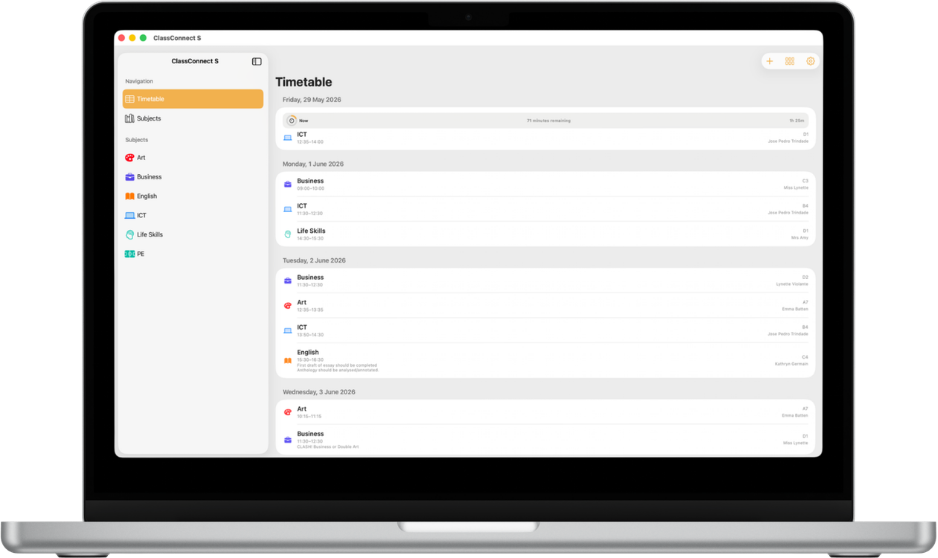
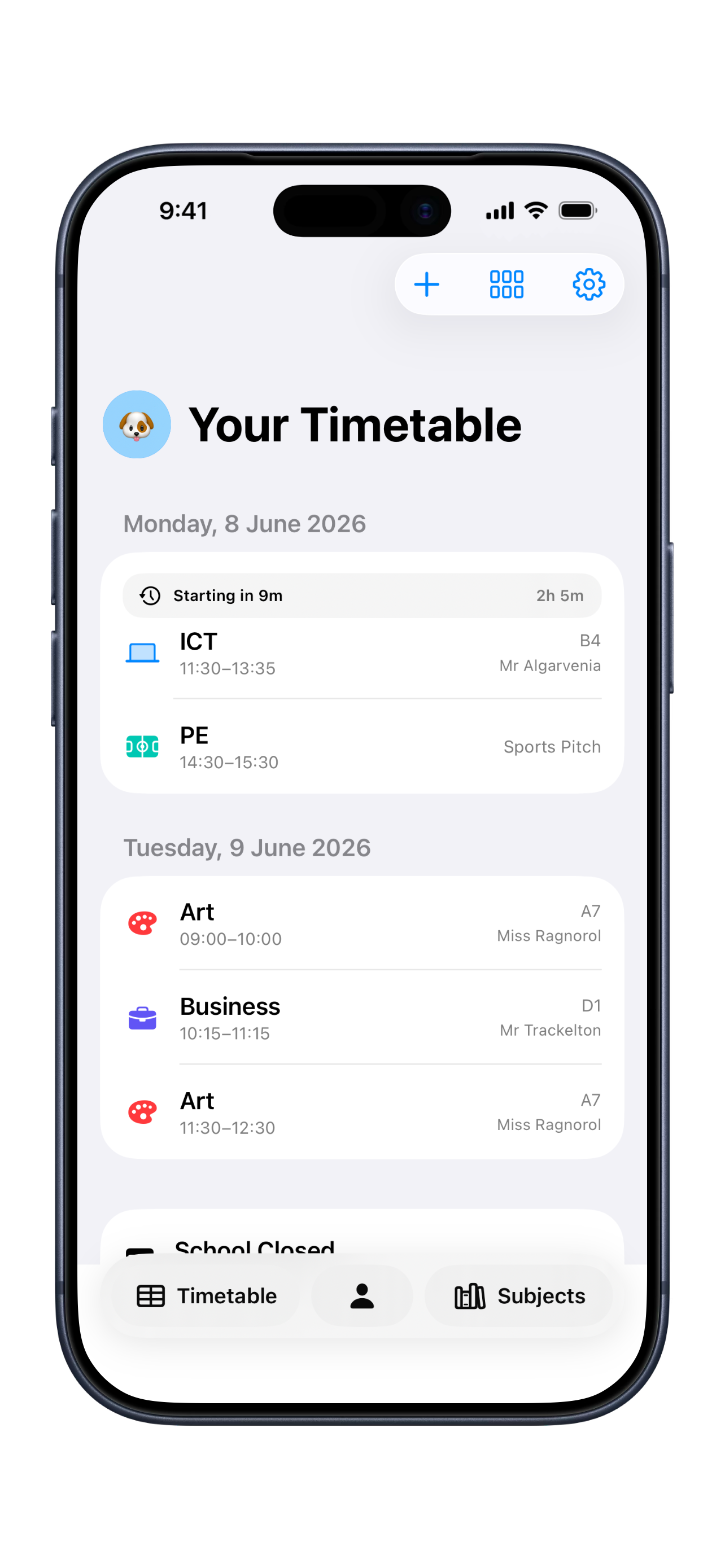
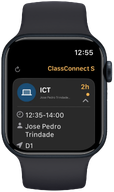
ClassConnect S keeps the current lesson, the next move, and the latest change in one place, so students, parents, and teachers can act without decoding a spreadsheet.
Create subjects, lessons, rooms, teachers, holidays, and repeating cycles with enough structure for real school routines.
Room moves, cover lessons, cancelled periods, exams, and events sit beside the timetable instead of becoming separate notes.
Parents and friends can follow a read-only view while the source timetable stays controlled on the student’s own device.
The important parts of school are often the small changes: a room move before the bell, a club after lunch, a cover lesson, or a parent checking pickup timing. ClassConnect S treats those as first-class timetable details.
Switch the role and the same day becomes a different useful view: quick navigation for students, calm read-only context for parents, and planning detail for teachers.
Today’s timetable, room changes, widgets, reminders, and Apple Watch views stay close enough to check between classes.
A read-only shared profile gives parents lesson timing, room context, and changes that affect pickup or family planning.
Teacher mode focuses on class groups, cover lessons, room details, and the changes that make the week operational.
Mac for planning, iPhone for the day, Watch for the next lesson, widgets for the moments when opening an app is too slow.
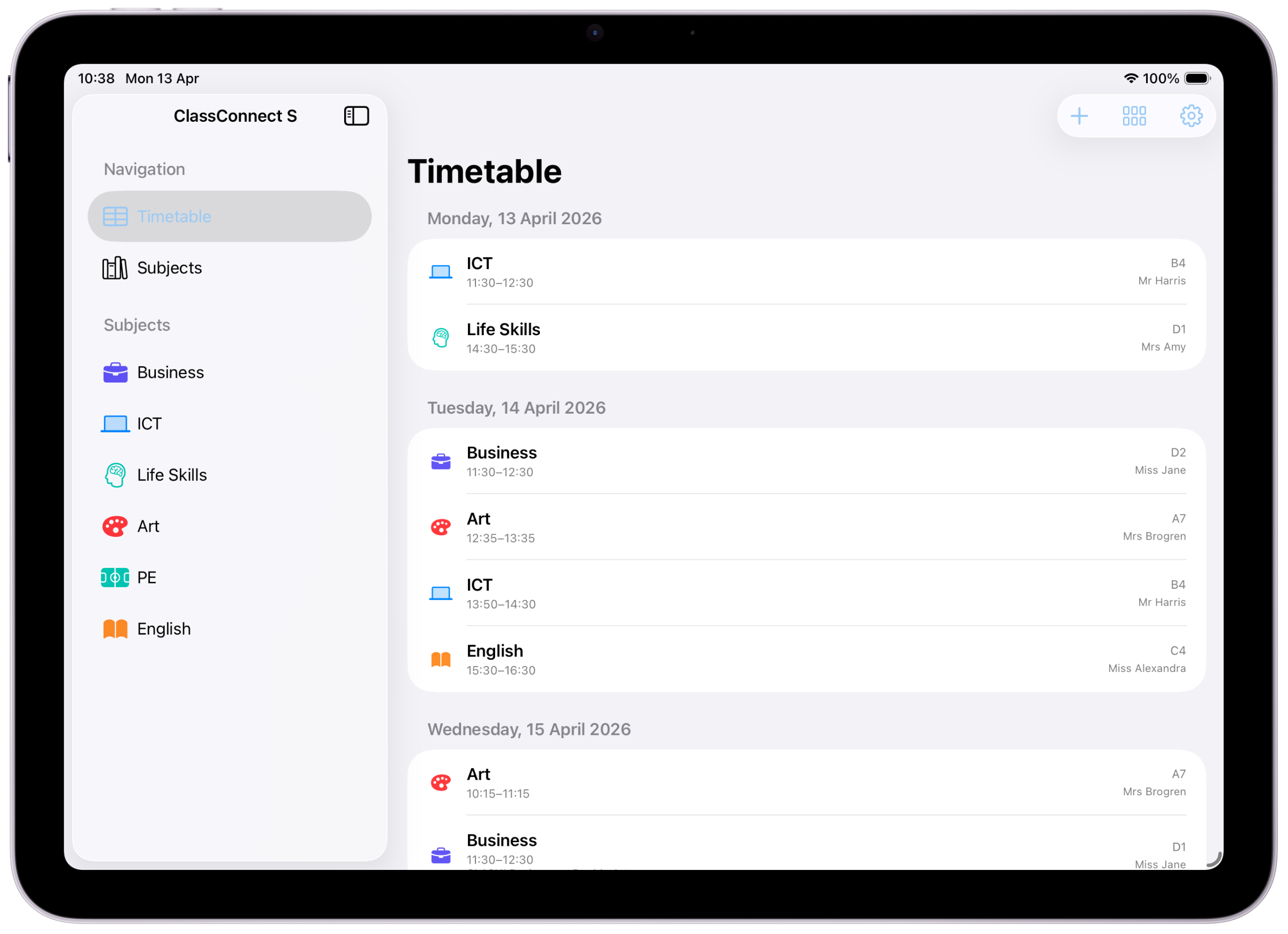
Start manually, import a backup, or use timetable import for supported images, scans, PDFs, and files.
Add exams, clubs, trips, meetings, and school breaks alongside lessons so the school day stays complete.
Keep your own devices in sync and share read-only timetable profiles with parents or friends.
Keep the next lesson, remaining time, and reminder state visible when opening the full app would slow you down.
A closer look at how ClassConnect S presents timetable information across Apple devices.
Download ClassConnect S, or open the support guide first if you want to understand setup, import, sync, and device support.